Making financial workflows across different business platforms can become an administrative headache quickly. Whether you use property management software like Buildium or client management software like Dubsado, these will help you keep your books in line with QuickBooks so that you can save time on both writing invoices and running business analyses.
This article gives a complete overview of how Buildium and Dubsado connect with QuickBooks, what each connection allows you to do, and the ideal way to configure your accounting system.
Does Buildium Integrate with QuickBooks?
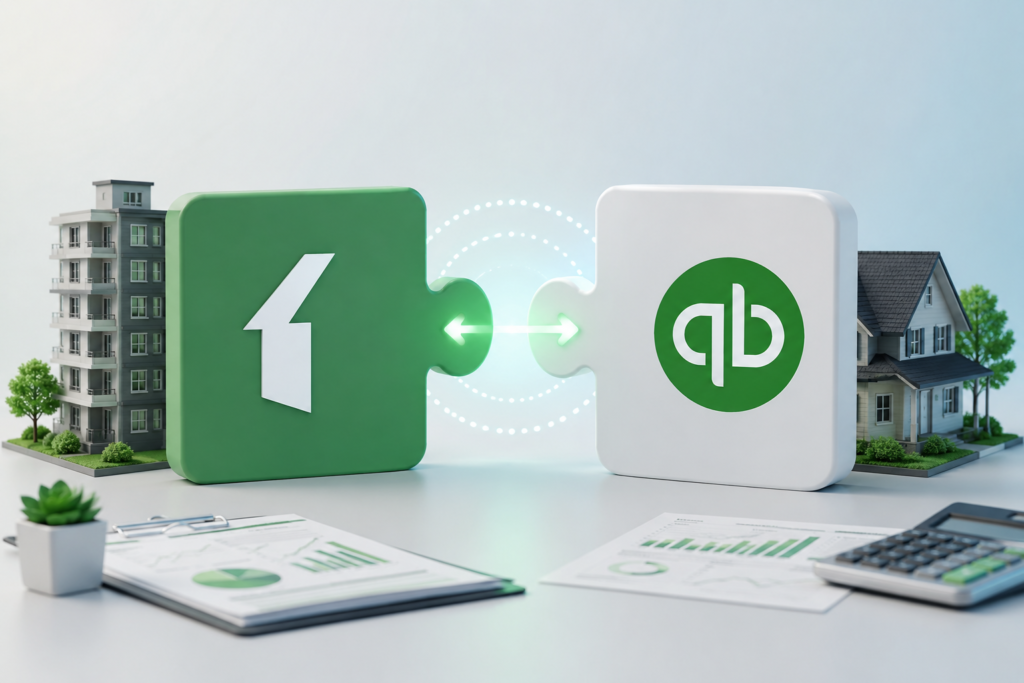
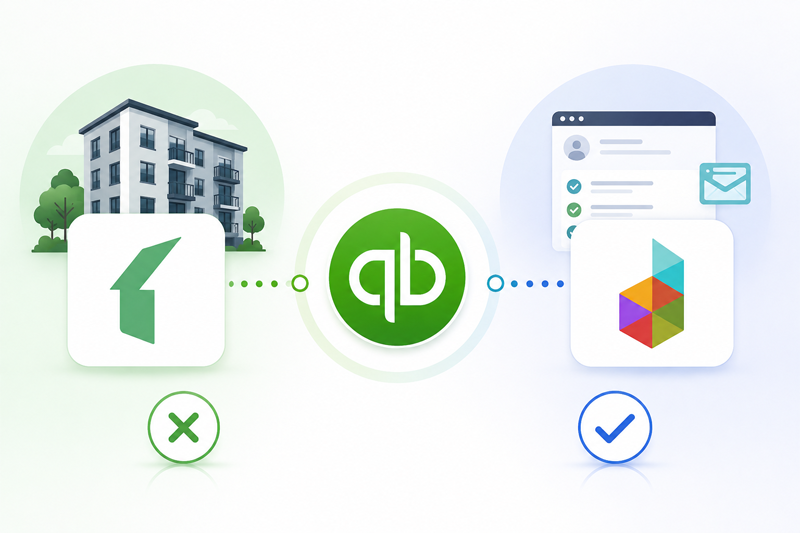
Buildium lacks direct integration with QuickBooks out of the box. Buildium is hosted as a full-featured, standalone property management system that comes with its own built-in double-entry accounting. Since you have a lot of relationships built on top of Buildium for tracking tenant rent, accounts payable, vendor payments and owner distributions, it also meant that its developers wrote their software to work in a vacuum without third-party accounting apps.
But property managers who want to use QuickBooks for general business accounting, payroll or taxes can still link the two platforms via third-party integration tools (like Zapier) or targeted data sync services. Use these tools to automate transfer data between platforms.
Automated Data Sync: Automatically synchronize new payments, tenant invoices, and expense transactions from Buildium to QuickBooks.
Enhanced streamlining reporting Keep property level accounting in Buildium with the ability to synchronize summary financial totals to Quick Books for company-level reporting purposes.
No More Double Entry: No more need for manual data re-entry, eliminating human error and saving hours at month-end returns.
For property managers overseeing complex portfolios, a third-party bridge allows you to keep your firm-specific ledger accounting tidy while still maintaining an accurate and complete information stream in your main corporate ledger.
Get Expert Assistance for Your QuickBooks Ecosystem
Precise third-party integrations map chart of accounts and plug them into the multi-platform workflow for accounting. By getting established with trained professionals in financial matters, your accounting is sure to operate seamlessly without gaps in data and reconciliation issues. Profit and Growth Experts QuickBooks Accounting– get professional tips, tailored setup assistance, and bookkeeping support. Professional accountants can optimize the whole software ecosystem, can automate data syncs between your operational tools and QuickBooks, and ensure your financial records are accurate, organized, and tax-ready all-year-round.
Does Dubsado Integrate with QuickBooks?
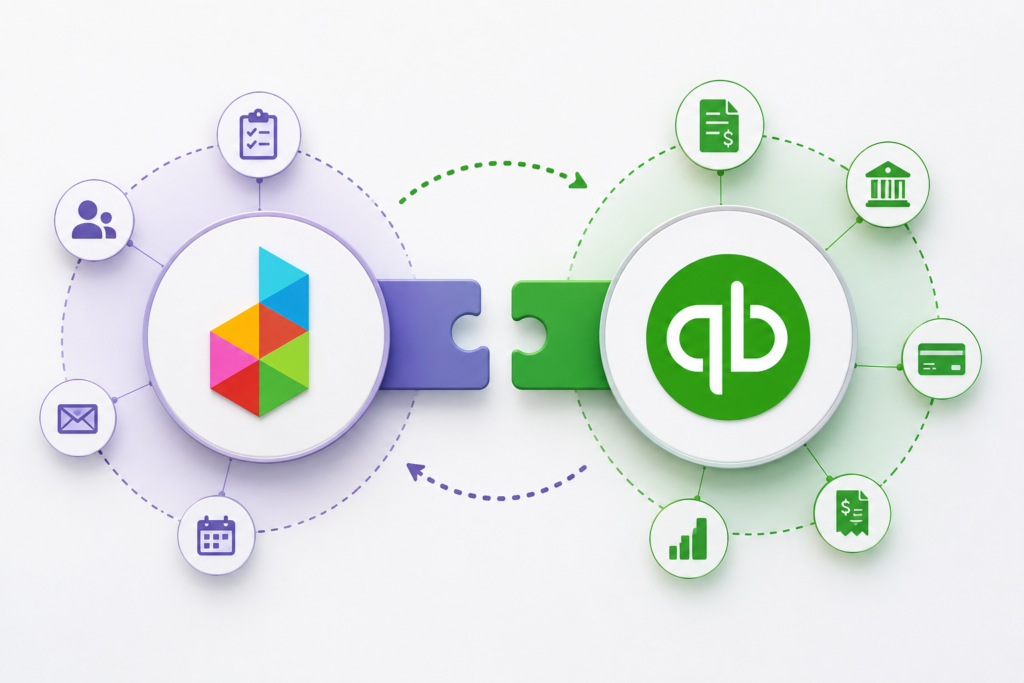
So, the answer is yes–Dubsado does have a direct, native integration with QuickBooks online. In contrast to Buildium, Dubsado is a business management and client onboarding application for freelancers, creative agencies, and service providers. As Dubsado does not offer a full double entry accounting engine, they are only as effective when easily integrated with dedicated accounting software.
By integrating Dubsado with QuickBooks Online, it instantly automates the billing workflows of business owners.
With automatic invoice sync, when you invoice or record a payment in Dubsado, that transaction automatically synchronizes to your QuickBooks Online account instantly.
Client Mapping: Dubsado goes straight into your QuickBooks customer database, meaning that you never have duplicate contacts and everything is recorded correctly.
Tax and Coffee Tracking: Taxonomies, service terminologies, and applied sales tax rules on Dubsado invoices will neatly shift across into your QuickBooks ledger.
Real-Time Income Tracking: Payments are processed through Dubsado’s payment gateways like Stripe or Square and immediately logged into QuickBooks to keep your financial statements current.
Important: Dubsado has a native integration specifically with QuickBooks Online (QBO) and NOT with QBD!
Selecting the Appropriate Workflow for Your Company
Regardless of whether you use Buildium for your real estate operations or Dubsado to manage client projects, QuickBooks can function as the singular source of truth for your business financials.
If you are a Dubsado user, switching on the native integration for QuickBooks Online is simply a matter of clicking the “on” button in the settings menu. If you are a Buildium user, you can opt for either a third-party bridge or hire an accountant that helps keep your property identities clean while maintaining your high-level business bookkeeping fully up to date.