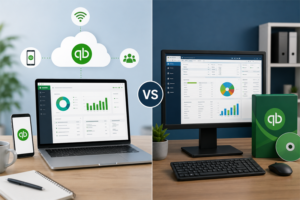
Owing to the selection of appropriate accounting software, the task of managing business accounts becomes a lot easier. One of the most widespread accounting instruments is QuickBooks, which is used by small- and medium-sized businesses. Nevertheless, several business owners are confused about which version to utilise: QuickBooks Online or QuickBooks Desktop.
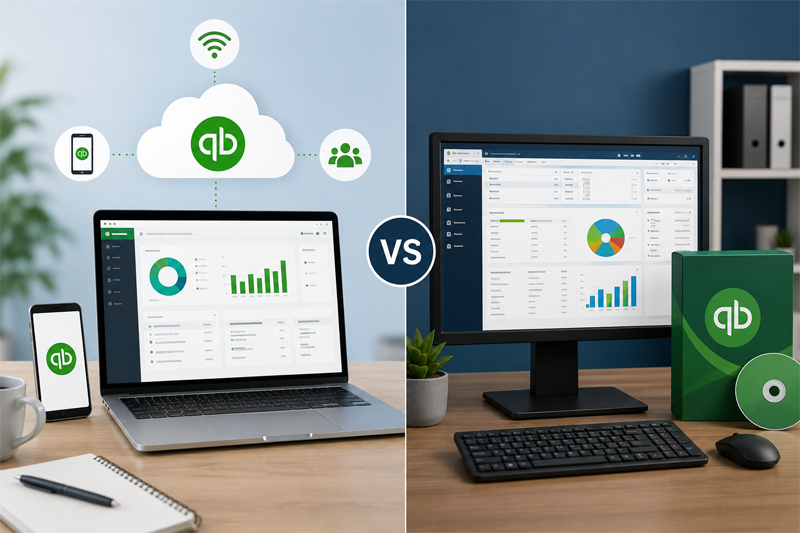
The two versions enable you to control your finances, although in a different manner. In this blog, we shall compare them, and we shall tell you the advantages of QuickBooks Online versus QuickBooks Desktop so that you can select the one that suits your business.
What is QuickBooks Online?
QuickBooks Online is an accounting suite which is based on the cloud. It is available on all computers, tablets and smartphones with internet connectivity. Your financial information is securely kept online, and it is updated automatically.
What Is QuickBooks Desktop?
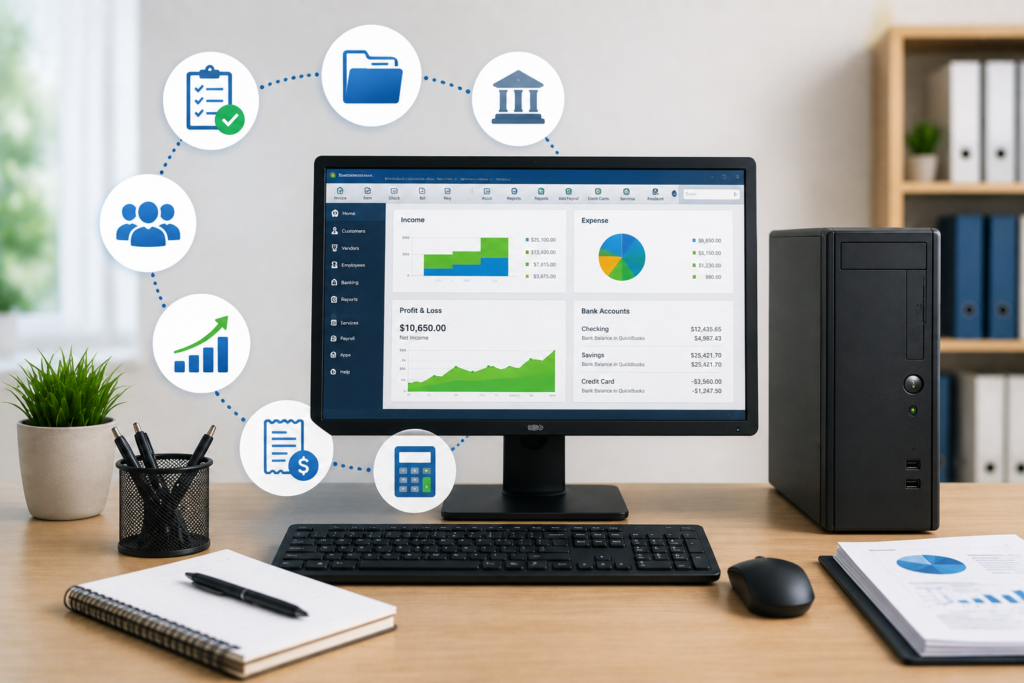
QuickBooks Desktop is software that is installed directly on your computer. It is intended to target businesses that would like to work in one system and requires more advanced functions like detailed inventory control and industry-specific tools. Today, new customers mainly have access to the Enterprise version of QuickBooks Desktop.
Quick Comparison
| Feature | QuickBooks Online | QuickBooks Desktop |
| Access | Anywhere with internet | Installed on one computer |
| Updates | Automatic | Manual updates |
| Mobile App | Yes | Limited |
| Backup | Automatic cloud backup | Manual or scheduled backup |
| Best For | Small businesses, remote teams | Businesses with advanced accounting needs |
Benefits of QuickBooks Online
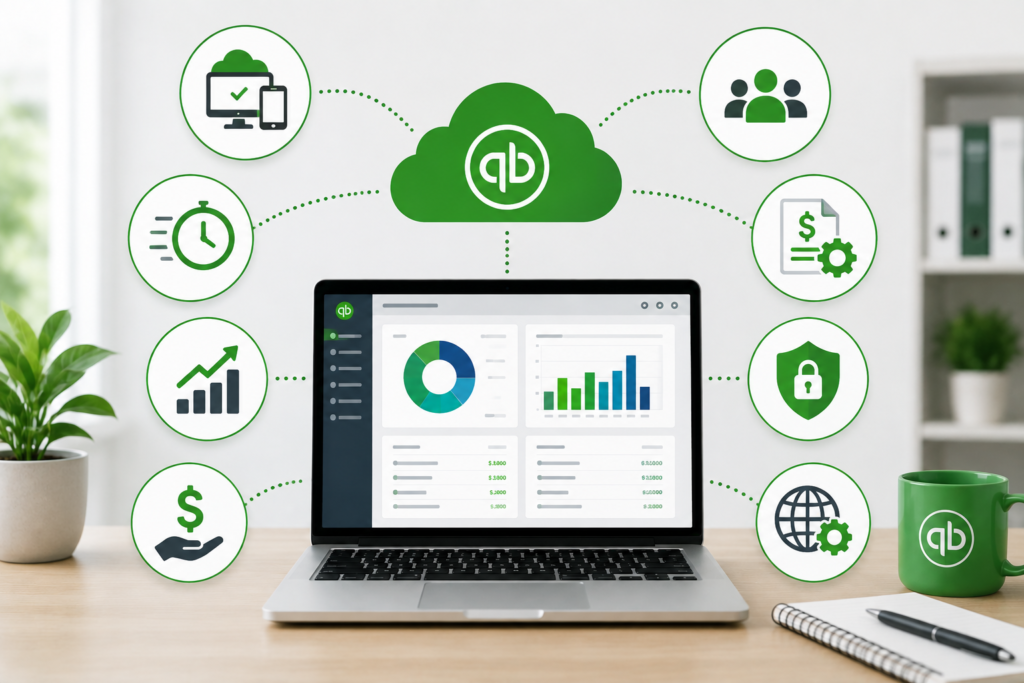
1. Have Your Books wherever you go.
The greatest advantage is flexibility. You are able to log in at your office, residence or when travelling. This is ideal for people who are the owners and are always on the go.
2. Easy Team Collaboration
Your staff, accountant and bookkeepers will be able to work on the same data simultaneously. Without transferring files back and forth, everyone always gets the up-to-date information.
3. Automatic Software Updates
QuickBooks Online is automatically updated. You are always up-to-date with the current version without obtaining new software.
4. Greater Security and Backup
All your financial data is stored in the cloud. Automatic backups minimise the chances of important business data loss.
5. Mobile-Friendly
The mobile application allows you to send invoices, upload receipts, check reports and record expenses on your phone. This is time-saving and enhances productivity.
Benefits of QuickBooks Desktop
1. Advanced Inventory Features
Companies with large inventories mostly tend to use Desktop as it offers a more advanced way of tracking and managing inventory.
2. Powerful Reporting
QuickBooks Desktop comes with sophisticated reports that assist companies in examining the financial performance in a more detailed manner.
3. Industry-Specific Editions
Certain Desktop enables have industry-specific functionalities such as manufacturing, wholesale, and construction.
4. Improved performance with large files.
Desktop can be more fast when you have a lot of accounting data in your business as you can store files locally.
5. Works Without Internet
A majority of accounting functions do not require having an internet connection, as the software is installed on your computer.
Which One Is the Best Choice?
This will depend on the way your business works.
Select QuickBooks online when you:
- Work remotely
- Need mobile access
- Want automatic updates
- Work with an accountant on a regular basis.
- Prefer cloud storage
Use QuickBooks Desktop in case you:
- Require high level of inventory control.
- Require detailed reporting
- Work in predominantly a single office.
- Access huge company documents.
Using the correct QuickBooks can save time and can assist you to make superior business choices. Profit and Growth Experts can assist you with setup, migration, clean up or day-in, day-out bookkeeping. The Certified QuickBooks ProAdvisors they offer include QuickBooks setup, account clean-up, ongoing bookkeeping, custom reporting, and expert support.
Conclusion
Every business will have no one-fit answer when it comes to comparing between QuickBooks online and desktop benefits. QuickBooks Online is the appropriate program to use when a company requires flexibility and accessibility remotely and with ease of collaboration. QuickBooks Desktop is more appropriate with companies that provide high-level inventory control and effective reporting.